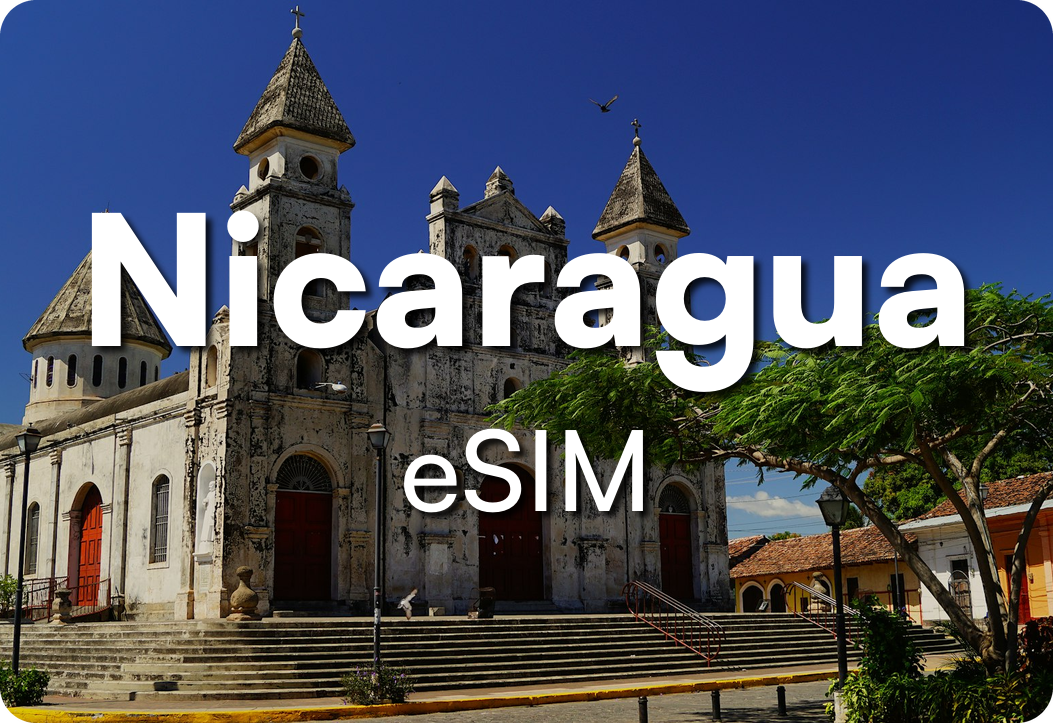

Fast, Reliable Internet
Imagine landing and instantly having a fully functional phone? We'll make sure you hit the ground running.
Stay Connected
Mapping. Uber rides. Currency conversion. Check the weather. Make reservations. Communicate. Do it all with no data limits.
Premium Support
Use our trained support team specifically trained in eSIM technology to help you with any technical questions you might have.
How to Activate Your Nicaragua eSIM

Purchase the eSIM with the appropriate number of days for your trip.
Scan the QR code you receive in your email with your mobile phone you want to activate the eSIM on.
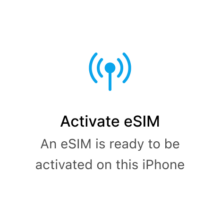
Follow the on-screen steps to activate your eSIM. Once your eSIM is active you can begin using it right away!
Stay Online in Nicaragua Without a Local SIM
A Nicaragua eSIM connects your phone to mobile data the moment you arrive, with no SIM card to track down and no shop queue at the airport. After checkout you’ll receive a QR code by email; scan it once and your phone joins Nicaragua’s 4G data, carried by Claro and Movistar, from Managua to Granada. It’s a digital SIM, so there’s nothing physical to collect or swap.
It suits the way people actually move through the country — colonial streets in Granada and Leon, a boat out to Ometepe, or a few slow days by the surf on the Pacific coast. Because it’s data-only, your home SIM stays in the phone and keeps your usual number for calls and texts while the eSIM covers maps, messaging and ride bookings. Install it before you fly on any eSIM-compatible iPhone or Android so you’re connected on landing. Every plan is delivered by email from MyGiftCardSupply.

How to Activate Your Nicaragua eSIM
Select your device for detailed steps to activate your Nicaragua eSIM.